
| » Forum Index » The Friday Challenge » Topic: Challenge 1107: Yo ho ho |
|
Posted on 31/05/26 11:28:17 AM |
|
dwindt
Realism Realiser Posts: 1179 Reply |
Re: Challenge 1107: Yo ho ho
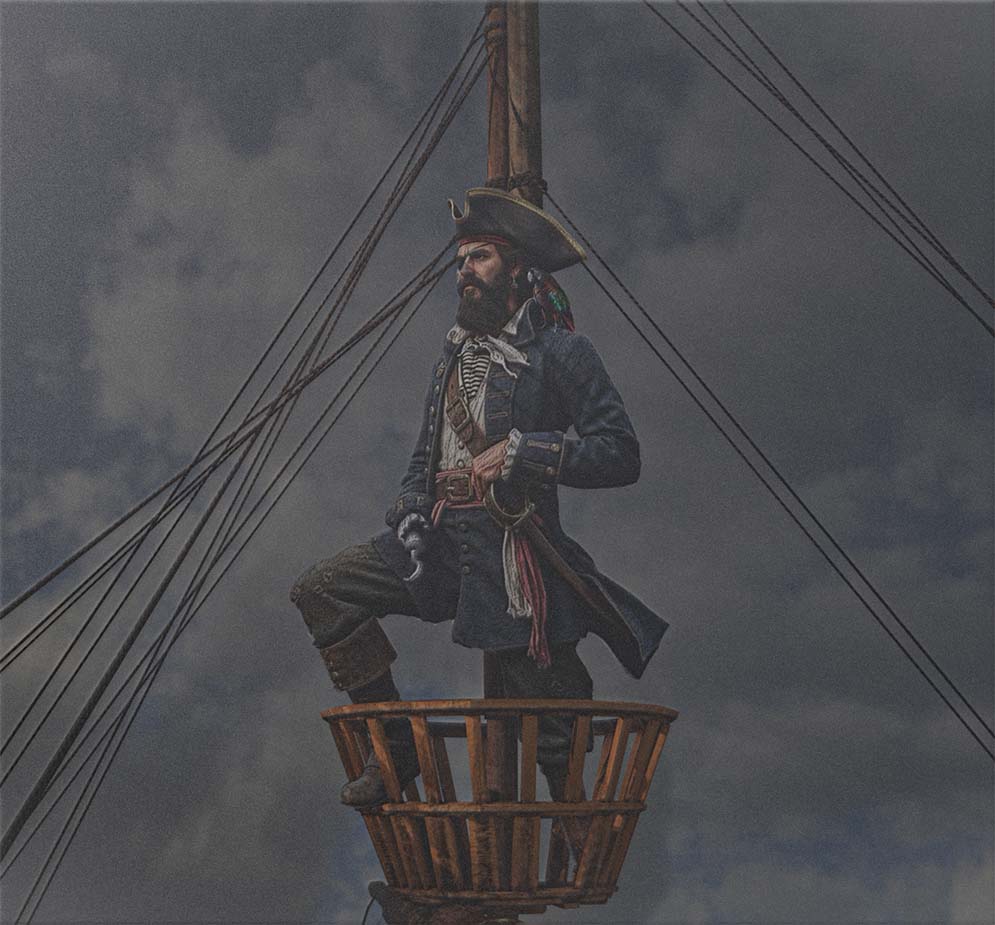 _________________ The grass is greener on the other side of the fence because there is more $hit there. |
Posted on 31/05/26 1:18:47 PM |
|
lwc
Hole in One Posts: 3748 Reply  |
Re: Challenge 1107: Yo ho ho
Being just a ‘hack’. I can’t compete with the fine work by everyone else, so I am going to stay with just silly stuff… here, our hero enjoys his holiday in southern California. 
|
Posted on 01/06/26 08:24:36 AM |
|
Ben Boardman
Printing Pro Posts: 849 Reply  |
Re: Challenge 1107: Yo ho ho

Not AI |
Posted on 01/06/26 12:06:12 PM |
|
Ant Snell
Specular Specialist Posts: 660 Reply 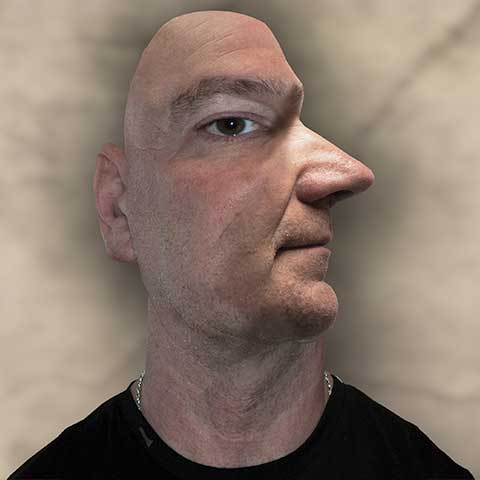 |
Re: Challenge 1107: Yo ho ho
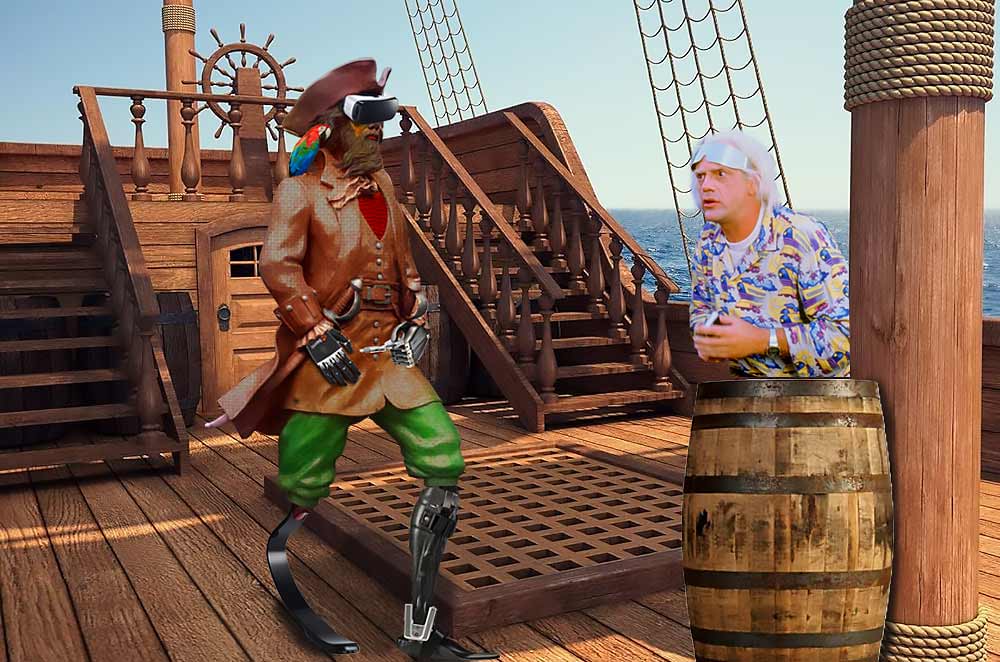 |
Posted on 01/06/26 12:09:42 PM |
|
Ant Snell
Specular Specialist Posts: 660 Reply |
Re: Challenge 1107: Yo ho ho
Sorry, Loyd, it seems we chose the same background. |
Posted on 01/06/26 12:44:41 PM |
|
lwc
Hole in One Posts: 3748 Reply |
Re: Challenge 1107: Yo ho ho
Not a problem at all Ant.  |
Posted on 01/06/26 10:29:31 PM |
|
DavidMac
Director of Photoshop Posts: 6506 Reply  |
Re: Challenge 1107: Yo ho ho
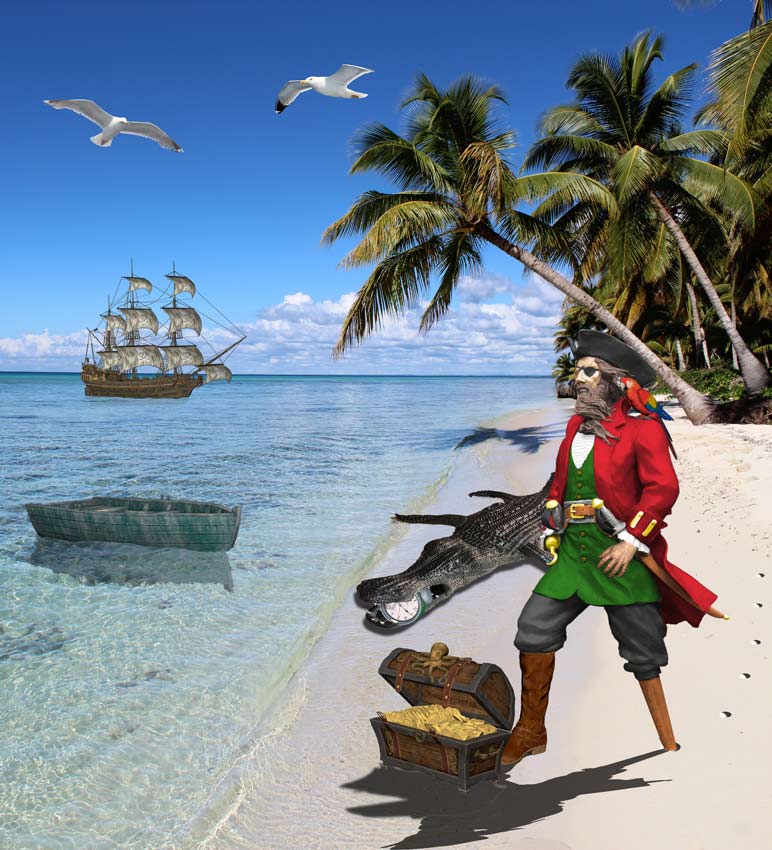
Captain Hook meets the one thing he is really frightened of .......... I am presuming that you all know your Peter Pan and that Tick Tock needs no explanation ................. Incredibly high standard from everyone! So much so that I am not making any individual comments. I see there's been a teeny bit of help from AI in a few places but, unless people aren't declaring, amazingly little! Losing the metallic texture of this fellow is not easy. Because I don't think AI should really have a place in a challenge of personal skills I have avoided it totally. None anywhere. But sacrifices have been made that I do think, much as I dislike it, AI might have done better.  _________________ The subtlety and conviction of any Photoshop effect is invariably inversely proportional to the number of knobs on it ....... |
Posted on 01/06/26 10:32:18 PM |
|
DavidMac
Director of Photoshop Posts: 6506 Reply |
Re: Challenge 1107: Yo ho ho
Tunnel vision again! Just realised I left some modern stuff visible behind the steps. I don't have any more time so I shall just own up and leave it. _________________ The subtlety and conviction of any Photoshop effect is invariably inversely proportional to the number of knobs on it ....... |
Posted on 02/06/26 09:10:34 AM |
|
dwindt
Realism Realiser Posts: 1179 Reply |
Re: Challenge 1107: Yo ho ho
How do you add a video clip from Vimeo? http://vimeo.com/1197632179?fl=pl&fe=cm _________________ The grass is greener on the other side of the fence because there is more $hit there. |
Posted on 02/06/26 10:07:58 AM |
|
DavidMac
Director of Photoshop Posts: 6506 Reply |
Re: Challenge 1107: Yo ho ho
Open the video in Vimeo and right click in the image. You will get a menu of upload and link options. _________________ The subtlety and conviction of any Photoshop effect is invariably inversely proportional to the number of knobs on it ....... |
Posted on 02/06/26 10:19:29 AM |
|
dwindt
Realism Realiser Posts: 1179 Reply |
Re: Challenge 1107: Yo ho ho
Thanks David. I was trying the embed link...lol. I've reinstalled Comfyui on my pc. Something else to play with now. _________________ The grass is greener on the other side of the fence because there is more $hit there. |
Posted on 02/06/26 11:00:50 AM |
|
GKB
Magical Montagist Posts: 4217 Reply  |
Re: Challenge 1107: Yo ho ho
Dennis you have to remove the ‘s’ from https. For some reason the site doesn’t recognise https. I have done it for you _________________  |
Posted on 02/06/26 1:06:52 PM |
|
GKB
Magical Montagist Posts: 4217 Reply |
Re: Challenge 1107: Yo ho ho
 _________________ |
Posted on 02/06/26 1:50:25 PM |
|
dwindt
Realism Realiser Posts: 1179 Reply |
Re: Challenge 1107: Yo ho ho
Thanks so much Gordon. _________________ The grass is greener on the other side of the fence because there is more $hit there. |
Posted on 03/06/26 1:21:41 PM |
|
DavidMac
Director of Photoshop Posts: 6506 Reply |
Re: Challenge 1107: Yo ho ho
Statue Playtime, (in which we discover one of the advantages of hooks for hands). Silly season again!  _________________ The subtlety and conviction of any Photoshop effect is invariably inversely proportional to the number of knobs on it ....... |
Posted on 03/06/26 3:27:32 PM |
|
DavidMac
Director of Photoshop Posts: 6506 Reply |
Re: Challenge 1107: Yo ho ho
There's been a lot of colorisation this week. I always do this with solid colour fill layers in multiply mode clipped to the image layer and masked to the area to be coloured. This allows original grey scale tones to show though. It has the advantage that it's constantly and instantly adjustable in colour, luminance, and saturation simply by clicking in the coloured layer icon with further possibilities by changing layer opacity and blend mode. I do this so often that I have recorded an action for creating this type of layer in one click (or keyboard shortcut). Here is the layer palette for just Hook's body from my Tick Tock image. (Left arm and face are treated separately but using the same technique.) There are many routes to the same end when colourising. I would love to hear how those of you who did your own colourisation yourself by hand, set about it. 
_________________ The subtlety and conviction of any Photoshop effect is invariably inversely proportional to the number of knobs on it ....... |
Posted on 03/06/26 4:02:08 PM |
|
GKB
Magical Montagist Posts: 4217 Reply |
Re: Challenge 1107: Yo ho ho
David, As many Hue/Saturation Adjustment Layers as required set to colourise (NOT colorize aaaagghhh) then mask appropriately _________________ Have you ever noticed that all the instruments designed to detect intelligent life are pointing away from the Earth? |
Posted on 03/06/26 4:34:01 PM |
|
lwc
Hole in One Posts: 3748 Reply |
Re: Challenge 1107: Yo ho ho
Think of how you would have done it ten or fifteen years ago, that would be pretty close to what I do now... 
|
Posted on 03/06/26 4:35:02 PM |
|
lwc
Hole in One Posts: 3748 Reply |
Re: Challenge 1107: Yo ho ho

|
Posted on 03/06/26 5:13:54 PM |
|
DavidMac
Director of Photoshop Posts: 6506 Reply |
Re: Challenge 1107: Yo ho ho
Yes. That's the obvious alternative and exactly what I would have done until recently I changed to the method I now use. The limitation of Colourise is that it gets less and less effective as you approach 100% white or black. The solid colour multiply layer works on both these with no problems. See here. _________________ The subtlety and conviction of any Photoshop effect is invariably inversely proportional to the number of knobs on it ....... |
| page: 1 2 3 4 last |